要素内画像トリミング 上下左右中央(IE11対応)


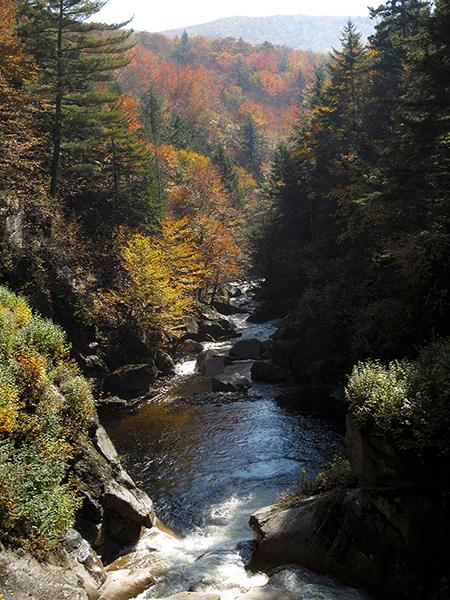
<style>
.type_01 {
    display: flex;
    justify-content: space-between;
}
.type_01 li {
    width: 32%;
}
.type_01 li span {        /*padding-topをその要素内で適用したいため、spanをかます*/
    display: block;
    padding-top: 66.6%;
    overflow: hidden;
    position: relative;
}
.type_01 li img {
    width: auto;
    height: auto;
    min-width: 100%;
    min-height: 100%;
    position: absolute;
    left: 50%;
    top: 50%;
    transform: translate(-50%, -50%);
}
</style>

<ul class="type_01">
<li><span><img src="img/img_01.jpg" alt="" width="600" height="399"></span></li>
<li><span><img src="img/img_02.jpg" alt="" width="300" height="203"></span></li>
<li><span><img src="img/img_03.jpg" alt="" width="450" height="600"></span></li>
</ul>